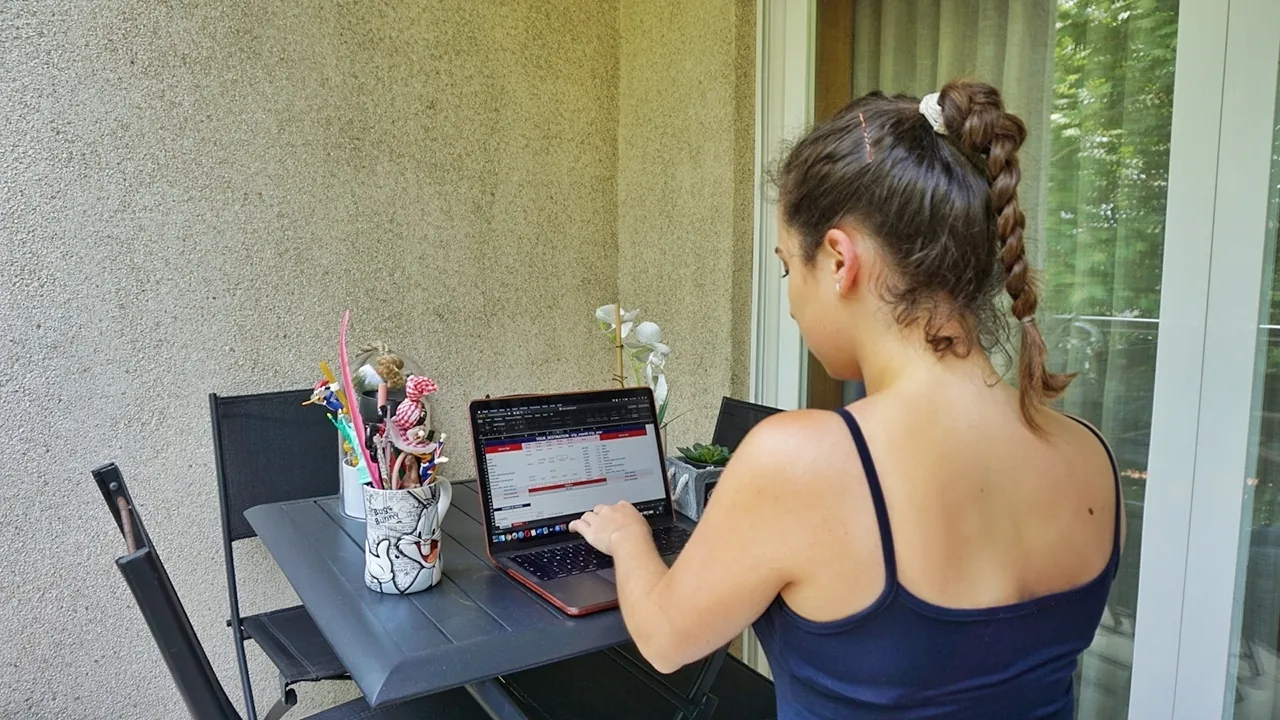
File for travel planning
Planning a trip is essential for everything to go well and to avoid wasting time and money. Read here all the posts about planning.
When planning a trip, it’s important to annotate everything 📝 in the same place instead of creating multiple files and using multiple platforms. Like I said in other posts, I use several books 📚, some websites and/or blogs, I watch travel videos on YouTube 📹 and I mark all points on Google MyMaps 🗺️. Throughout all this actions, I write all the attractions and tips in a notebook and then, I use an excel file for the travel planning. This file is divided into two tabs: Budget and Itinerary.
💰 Budget
I would say that none of us has an unlimited budget (if you have, lucky you!).Because of that it’s important to keep track and be aware of all the costs. I always make a budget estimate to have the slightest idea of how much I will spend on the trip. Like you can see in the video bellow, each line represent an expense type (for example, the hotel, the flights, meals,…) and you need to fill what you pretend to spend on each day of your trip. You need to fill everything and then you will see the total estimated cost of the trip and also the cost per person. If you think that is too much, it’s best to try to understand where you can save some money. Usually, I always add an expense type called ‘Extra’, which is a margin in the budget, in case I spend a little more that day in coffees or something (you don’t have to add this line!).
✏️ Itinerary
You have another tab in the file called Itinerary where you can add all your plans for each day. If you have a place where you want to go for lunch or dinner, add it to the itinerary and then fit other attractions nearby. If a visit to an attraction or a place lasts longer than half an hour, you need to merge your cells and shape the text. For me, using this excel file to plan my trips by day is the best solution.
So, I’ve shared this little secret with you! 🤍 If you want to use my file for travel planning you can download it here ⬅️.
Sometimes, in addition to this file, I create a much more complete itinerary with information about the attractions I will visit, maps of how to get there, tips and photos. One of these days I'll share with you how I organize this second file. To find out about the new posts first hand, follow me on instagram, where I announce everything.
You Might Also Like

12 New Year Wishes
An honest confession about New Year wishes, superstitions and the nervous butterflies of stepping into a big life change.

5 Fun facts about me
Three months in, it's time you met the girl behind the trips: shyness, piano, a Hello Kitty obsession and a love for FC Porto.

5 More fun facts about me
Five more little curiosities about me, from hair accessories and curly hair to my love of lasagna and why sleep is sacred.